A controller is hard to judge on the bench
On real hardware a current loop runs at 20 kHz, a lost step takes milliseconds, and the first test of a new controller can burn a power stage. You see a few probes at a time and cannot repeat a stall exactly. A model that runs the same code lets you study all of it first, at any signal and on every run the same way.
Test the code that ships
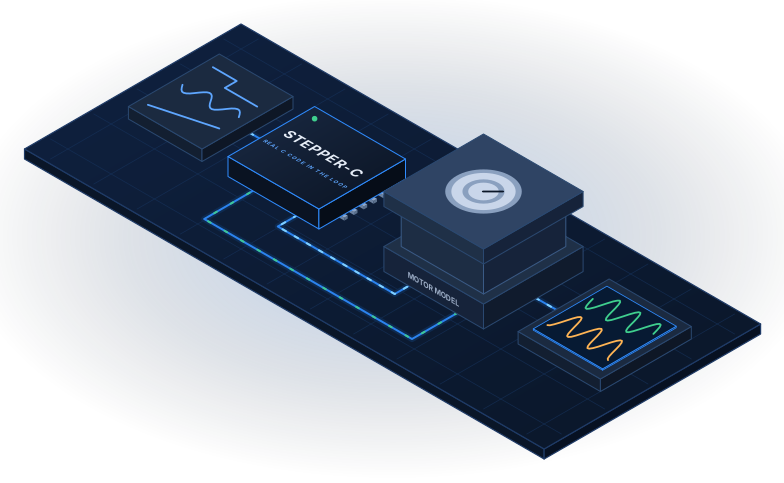
The Stepper-C library runs inside an Xcos block, with ADC counts in and PWM compare values out. It matches the Scilab prototype within 1.28 mA in a move of 640 microsteps.
Any input, readable output
Step, sine, ramp or your own signal on the motion command, run current and load torque. Named scopes and a report with titles, units and the first fault replace unlabelled traces.
Results with a source
The power stage comes from ngspice, the model is checked against theory and a separate Python twin, and MIL and SIL report the same fault at the same time: 204.9 ms in the load step test.
One window from configuration to results
Select the library folder and the stage file, choose MIL or SIL and a scenario, then run, report, compare or test. The same steps are available as Scilab functions.
The Lab window
Library folder, ngspice stage file, backend, model, scenarios and tests in one place.
Model-based diagrams
Inputs, Controller, Plant and Outputs as Xcos superblocks. Replace a source with any block.
MIL and SIL
The Scilab prototype and the C library in one layout, compared sample by sample.
The motor and control model
Motor, current loop, motion generator, averaged and switching power stage, stall detector, with the equations.
Measured results
Voltage limit, resonance, parameter uncertainty and stall detection, with their limits.
Verification
Tests against theory, a Python twin and between the models, with a filter for everyday runs.
Quick start
A first simulation in five steps
- Install Scilab 2027 and, on Windows, Visual Studio or the Build Tools with the workload Desktop development with C++.
- Clone Stepper-Lab and Stepper-C next to each other.
- In Scilab, open
start_lab.sceand press F5. - Choose the scenario Velocity step to 1 rev/s and press Run. The first run compiles the library.
- Press Report to see the currents, speed, position and load angle.
The same run from a script:
exec("loader.sce", -1);         // from the root of the repository
res = lab_run("SIL", 3);
d = sil_report_data(res);
mprintf("%d samples, %d panels\n", size(res.values, 1), size(d.panels));
Part of a family
Stepper-Lab tests Stepper-C, the control library, and takes its power stage values from sfs-stepper-power-spice, the ngspice models.
Find your way
| If you want to… | Read |
|---|---|
| Understand what the model does and does not do | Introduction |
| Install it and run it the first time | Getting Started |
| Use the window, the diagrams and your own signals | The Lab Window and Diagrams |
| Choose between the C library and the Scilab prototype | MIL and SIL |
| Set the motor, the board or the stage file | Configuration |
| See the equations | Motor and Control Model |
| See what the model shows | Measured Results |
| Look up a column, a block or a function | Reference |
| Run the tests | Verification |
| Read everything offline or print it | PDF user manual |
 SystemFromScratch®
Part of an open-source embedded portfolio
Stepper-Lab is developed by Anton Vynohradov under SystemFromScratch® — embedded software and hardware built from the first schematic to certification.
SystemFromScratch® is a registered trademark. STM32 is a registered trademark of STMicroelectronics International N.V.; Stepper-Lab is not affiliated with or endorsed by STMicroelectronics.